
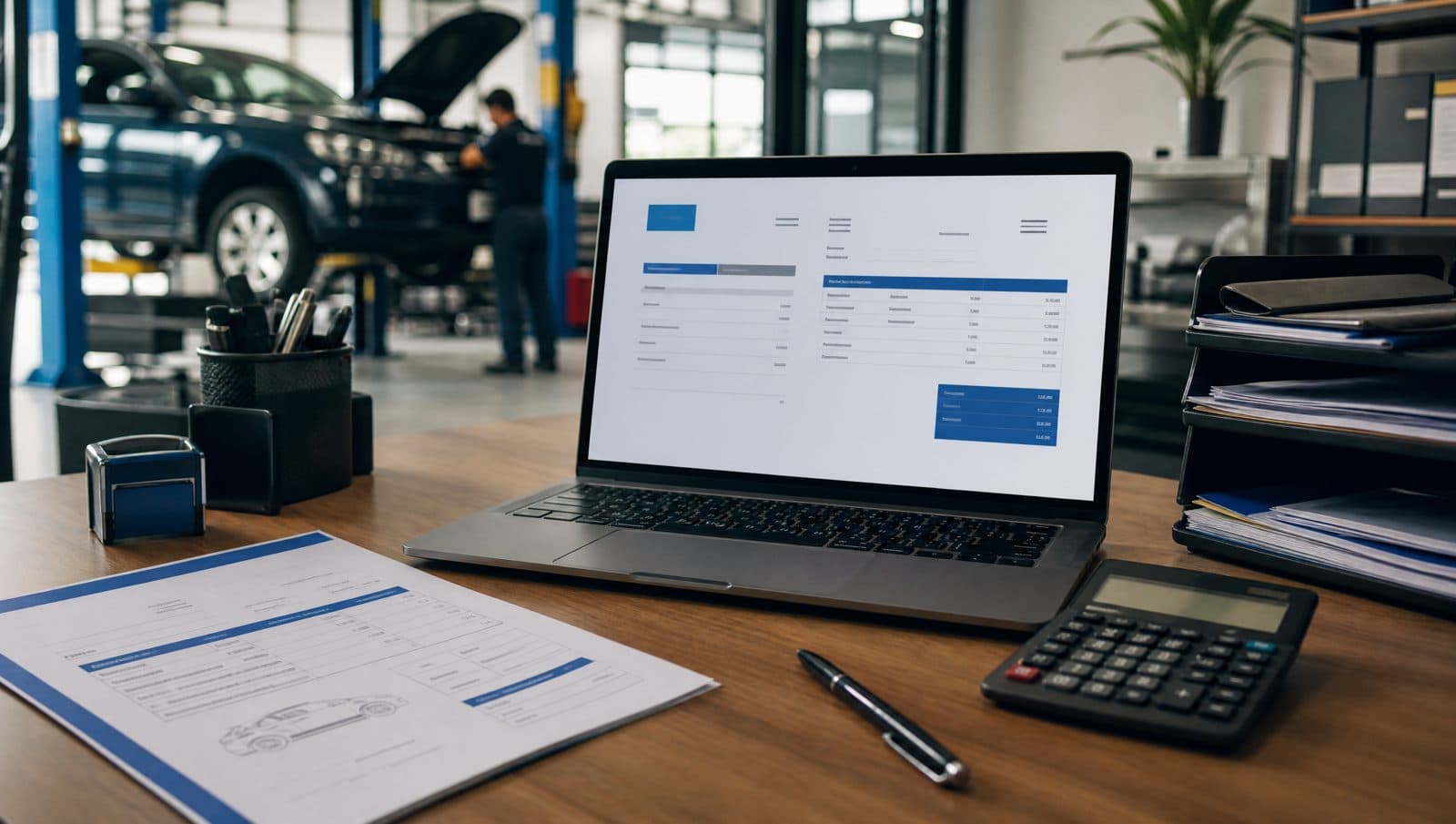
If you run a car workshop in Malaysia, you've probably heard about LHDN's e-Invoice initiative. It's a new requirement that will change how you issue invoices, receipts, and credit notes. But don't worry — with the right tools, it's simpler than it sounds. This article explains what MyInvois means for your workshop and how to get ready.
What is MyInvois e-Invoice?
MyInvois is LHDN's system for electronic invoicing. Starting 1 July 2025, all businesses in Malaysia with annual turnover above RM500,000 must issue e-Invoices. For smaller workshops, the timeline may be later, but it's wise to prepare early. An e-Invoice is not just a PDF — it's a structured data file that gets submitted to LHDN in real time or near real time. It includes details like buyer and seller information, item descriptions, amounts, and tax (SST) breakdown.
Even if your turnover is below RM500,000, you can voluntarily adopt e-Invoice. It simplifies your record keeping and makes you audit-ready.
How e-Invoice affects your workshop daily operations
For a typical workshop, every job card, quotation, invoice, and receipt is a potential e-Invoice. When you complete a repair, you issue an invoice to the customer. Under MyInvois, that invoice must be submitted to LHDN within a specific timeframe. The same applies to credit notes if you adjust a bill. If you buy parts from a supplier, you may receive e-Invoices from them, which you'll need to match with your records.
The key change is that you can no longer just write a handwritten invoice or type one in Word. You need software that can generate the correct e-Invoice format (JSON or XML) and transmit it to MyInvois. But this doesn't mean you need to become a tech expert — many workshop management systems now offer built-in e-Invoice compliance.
What you need to do to stay compliant
- Register for MyInvois: Go to the LHDN MyInvois portal and register your business. You'll need your company registration number (SSM) and tax identification number.
- Get e-Invoice software: Your workshop management system must support e-Invoice generation. MekaHub, for example, has built-in MyInvois integration that automatically creates compliant e-Invoices from your job cards.
- Update your customer info: For each e-Invoice, you need the buyer's name, address, and tax ID (if they are a business). For individual customers, you may only need their name and IC number. Start collecting these details now.
- Train your staff: Your service advisors should know how to issue an e-Invoice and what information is required. It's not complicated, but a quick briefing helps.
- Set up a process for credit notes: If you need to adjust an invoice (e.g., wrong part charged), you must issue an e-Invoice credit note. Have a clear procedure.
Start with a trial run. Issue a few e-Invoices to yourself or a test customer to make sure your system works before the mandatory date.
Common myths about e-Invoice for small workshops
Many workshop owners worry that e-Invoice means extra paperwork or that LHDN will audit them constantly. That's not true. The system actually reduces paperwork because everything is digital. You don't need to keep physical copies — just store the e-Invoice files and the submission receipts from MyInvois.
Another myth is that you need an internet connection all the time. While you do need internet to submit e-Invoices, many systems allow offline mode: you can generate invoices when offline and submit them later when connected. MekaHub, for instance, queues submissions and sends them automatically.
How MekaHub helps with MyInvois compliance
MekaHub is designed for Malaysian workshops, so we've built e-Invoice support directly into the app. When you create a job card and convert it to an invoice, MekaHub automatically generates the correct e-Invoice format and submits it to LHDN's MyInvois portal. You don't have to learn any new steps — just work as usual.
We also handle the SST breakdown automatically, so you don't need to calculate taxes manually. And because MekaHub stores your customer database, you can easily pull up buyer details for e-Invoice. Plus, all your e-Invoices are stored in the cloud, making it simple to retrieve them for audit or customer inquiries.
Make sure your workshop management system is MyInvois-compliant before the deadline. Ask your provider if they support e-Invoice submission directly from the app.
Final checklist for your workshop
- Register for MyInvois portal.
- Choose a workshop management system with e-Invoice support (like MekaHub).
- Collect and update customer information (name, IC, address).
- Train your team on the new process.
- Do a test run with a few e-Invoices.
- Keep digital copies of all e-Invoices and submission receipts.
E-Invoice doesn't have to be a headache. With a little preparation and the right tools, your workshop can stay compliant and even save time. Start today, and you'll be ready long before the deadline.
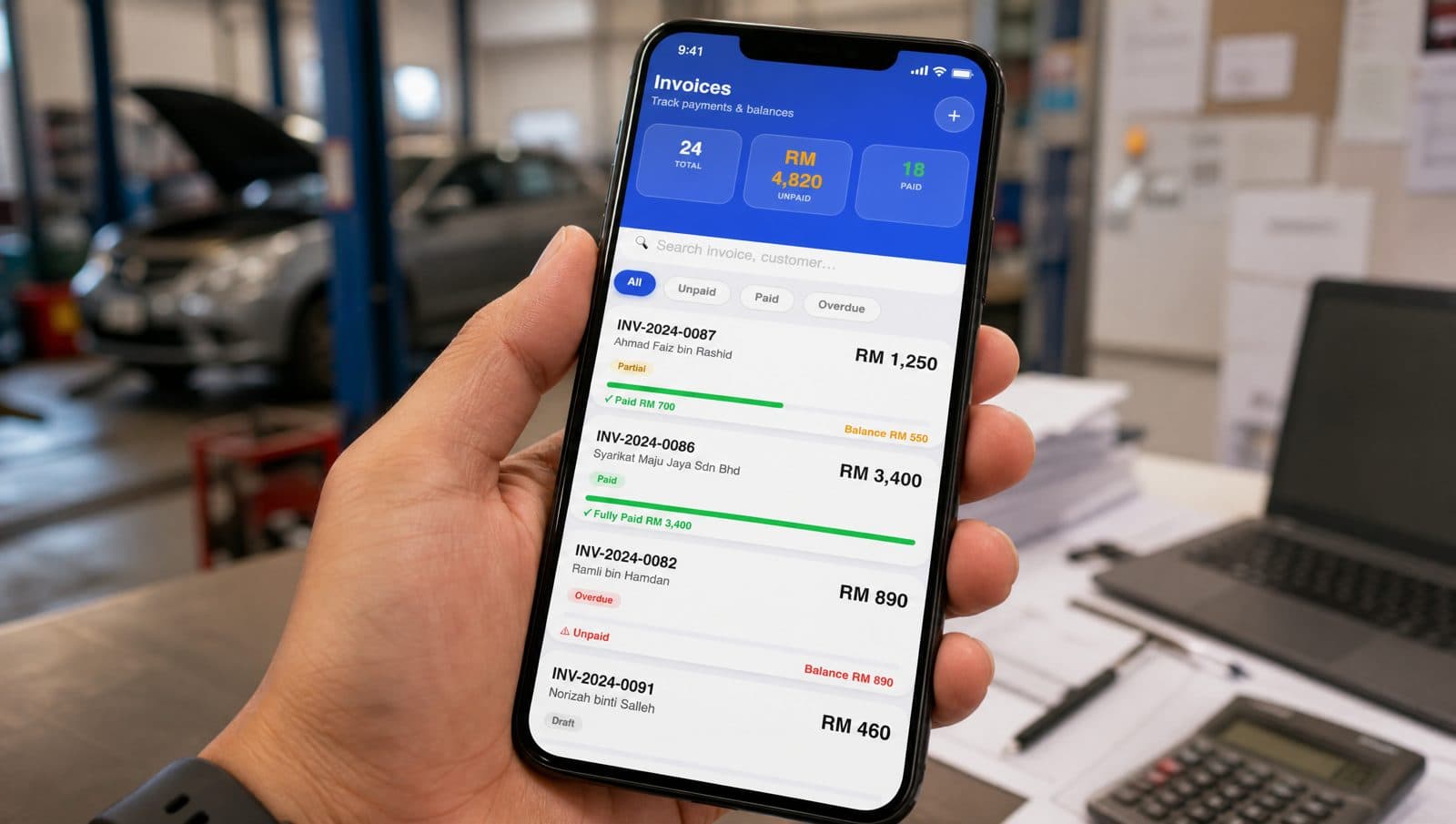
Run your workshop from your phone.
Seven days free. No credit card. Set up your first customer, vehicle, and job card in about fifteen minutes.